Overview
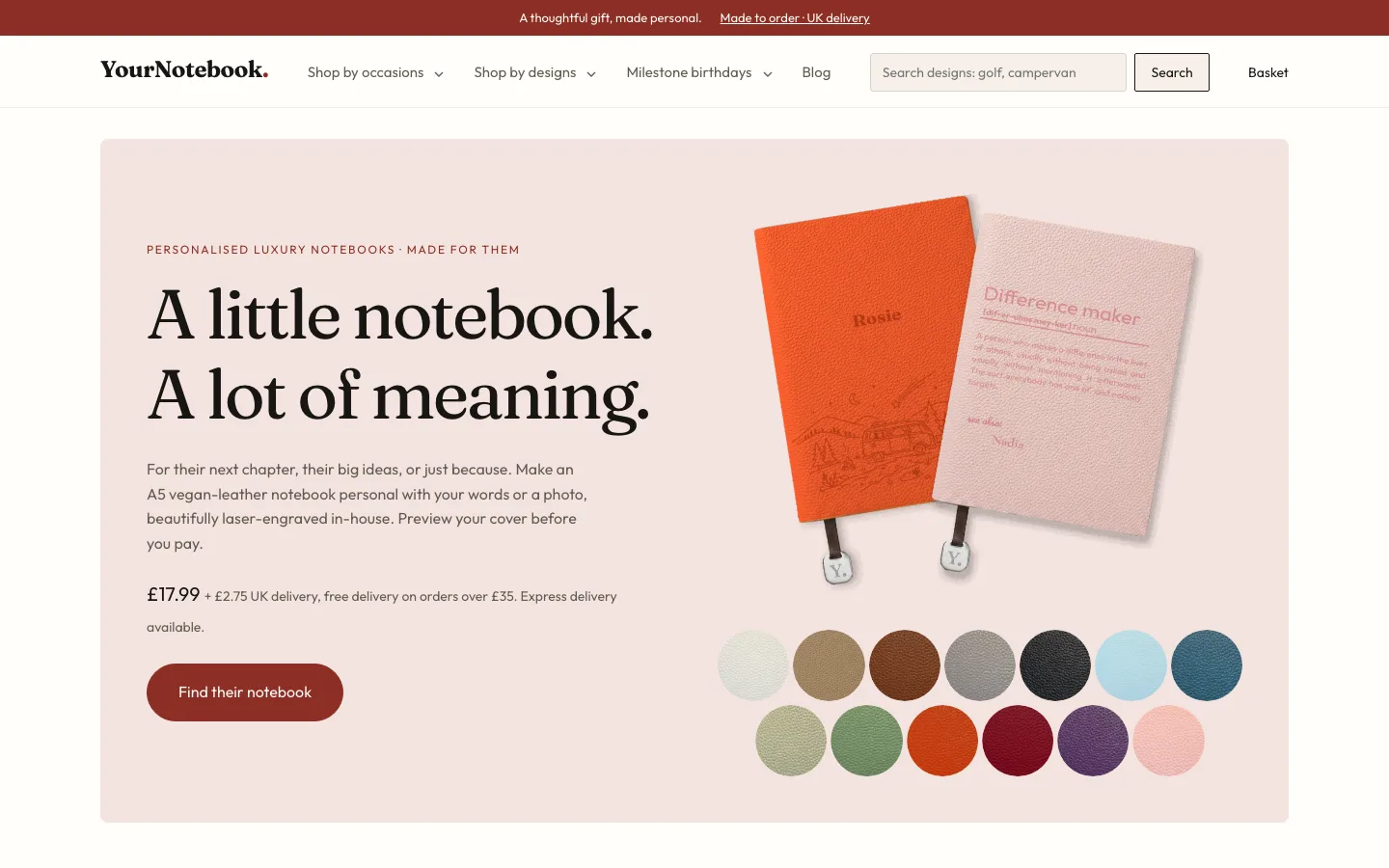
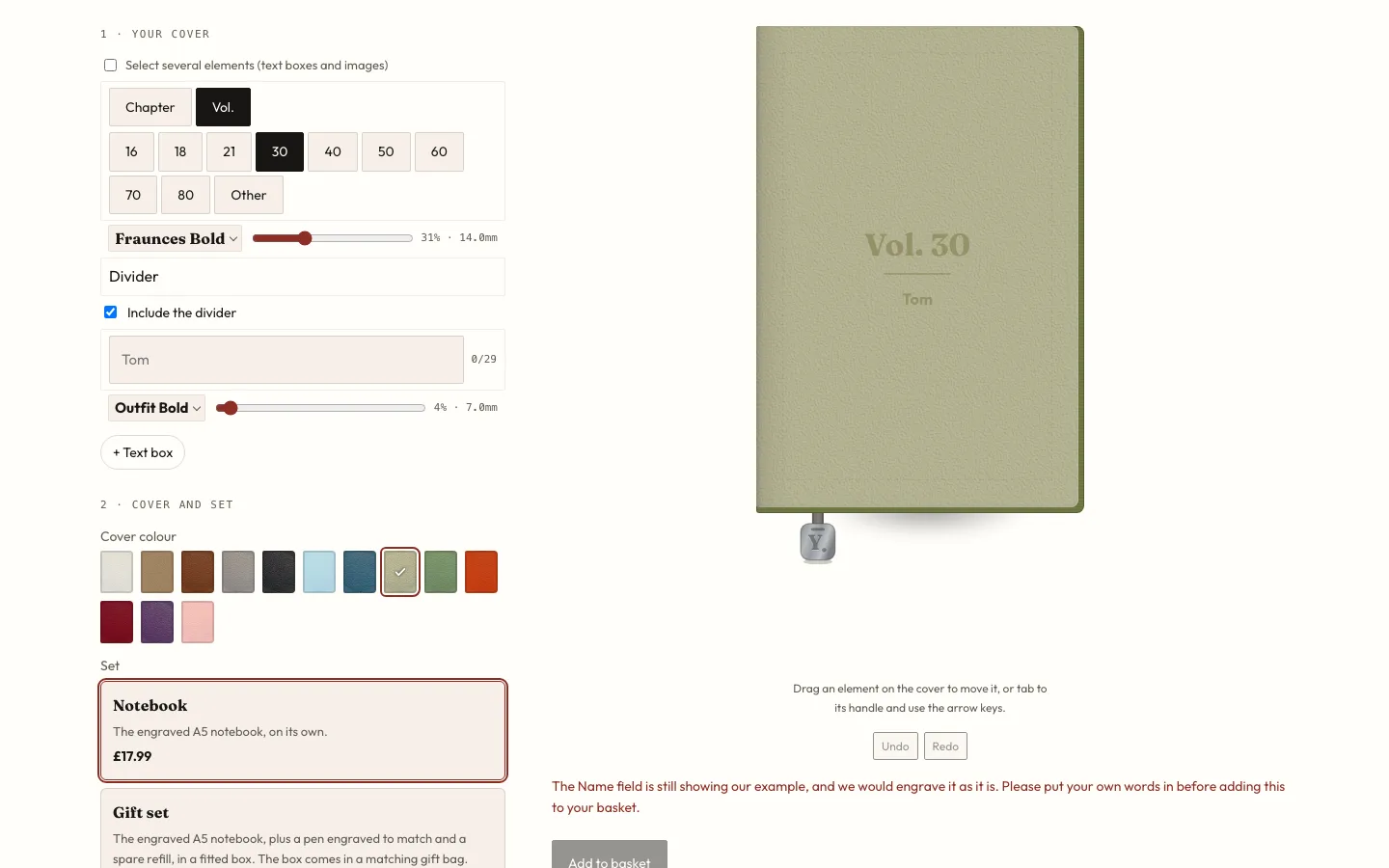
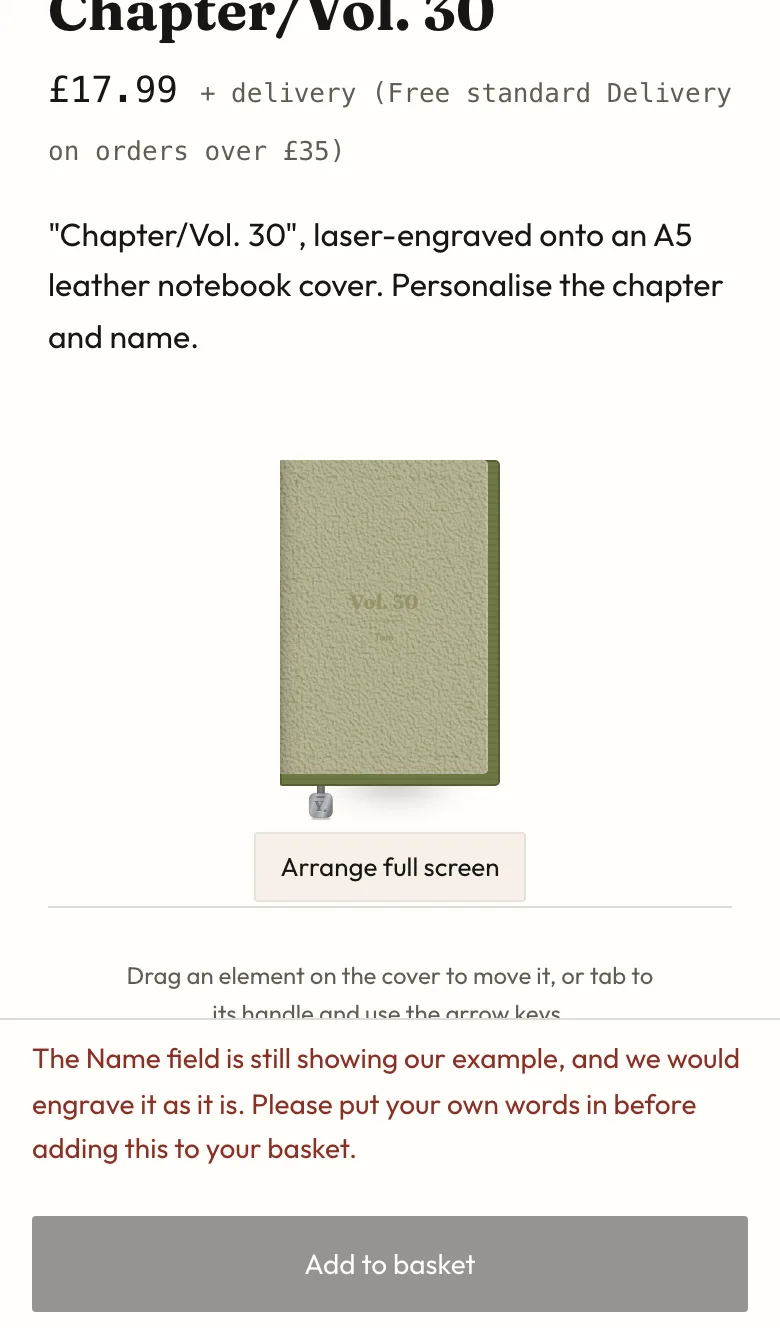
YourNotebook is a sister business to The Card Genie, run through the same company. It sells vegan-leather A5 notebooks that are laser-engraved in-house: a name and a milestone, a few words, a map, or a photo redrawn as line art. The in-browser studio lets customers arrange text and images on a to-scale cover, and what they approve on screen is what gets engraved. There's no customer account to create; orders go from basket to Stripe Checkout to a private order page where the customer signs off the proof.
The problem
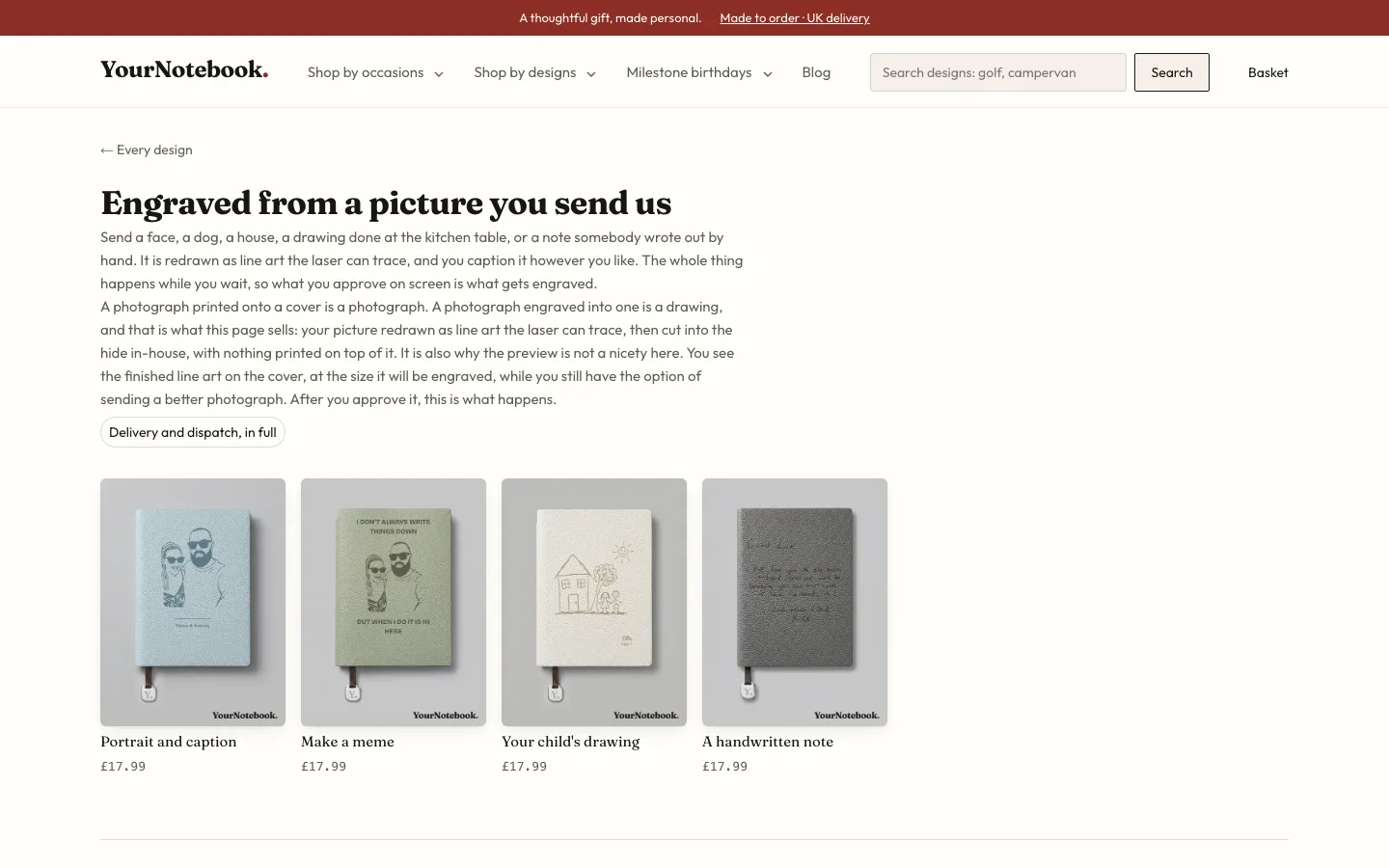
A laser doesn't print, it burns. A photo engraved straight onto leather turns into a dark smudge, fine lines merge, and too much burned area ruins the material. I needed a way to turn anything a customer uploads into something the laser can actually reproduce, and to catch the designs that won't work before the order is paid for, not after.
The approach
Uploaded photos, children's drawings, logos and handwriting go to an image-edit model on fal.ai with versioned prompts that redraw them as line art. The result is checked by a burn simulation I wrote, which models how the laser's melt spread closes up neighbouring strokes, how small a feature can survive, and how much of the cover gets burned, and rejects designs that fail. The final art becomes a 1-bit image wrapped in an SVG sized in millimetres for the laser. On the text side, a 'Write it' button drafts engraving copy with Claude Sonnet, using a JSON schema generated from the design's own fields so each line's character limit becomes a hard length constraint. Customer text is screened by a phrase blocklist and then a Claude Haiku moderation pass. Every AI route sits behind sliding-window rate limits and a daily spend cap per provider.
Results
Live at yournotebook.co.uk with over 45 designs. Payment runs on Stripe Checkout with signed webhooks, shipping labels through Sendcloud, and an admin area behind a magic link plus TOTP where I send proofs, download engrave files, refund and print labels. There are 345 Vitest test files, plus Playwright and axe accessibility checks. A full security review found 6 issues (4 medium, 2 low, none high), including a race in the TOTP lockout, a ReDoS, and order tokens that could leak to analytics, and each one has been addressed.
What I'd do next
Run the calibration burn so the simulation's thresholds come from measured results on the actual laser and leather, instead of the placeholder values it uses now.

